




Magic Lasso Adblock v5.1 now lets you block ads and trackers on your Apple TV, enabling you to watch your favourite tv shows with less interruptions while protecting your privacy from in-app ad tracking.
The new Apple TV release of Magic Lasso builds upon our existing iPhone, iPad and Mac ad blocking apps, to now also work seamlessly on your Apple TV, extending protection to streaming video apps, games, and news apps.
All ad blocking is done directly on your Apple TV, using a fast, efficient Swift-based architecture that follows our strict zero data collection policy.
Magic Lasso Adblock, with Apple TV ad blocking, is available now for all Magic Lasso subscribers, at no additional cost.
Read on to see how easy it is to get started blocking ads on your Apple TV.
On this page
- Ad blocking for Apple TV
- Private, Secure, On-device Apple TV Ad Blocking
- How To Block Ads in Apple TV Apps
- Start Blocking Ads on your Apple TV
Ad blocking for Apple TV
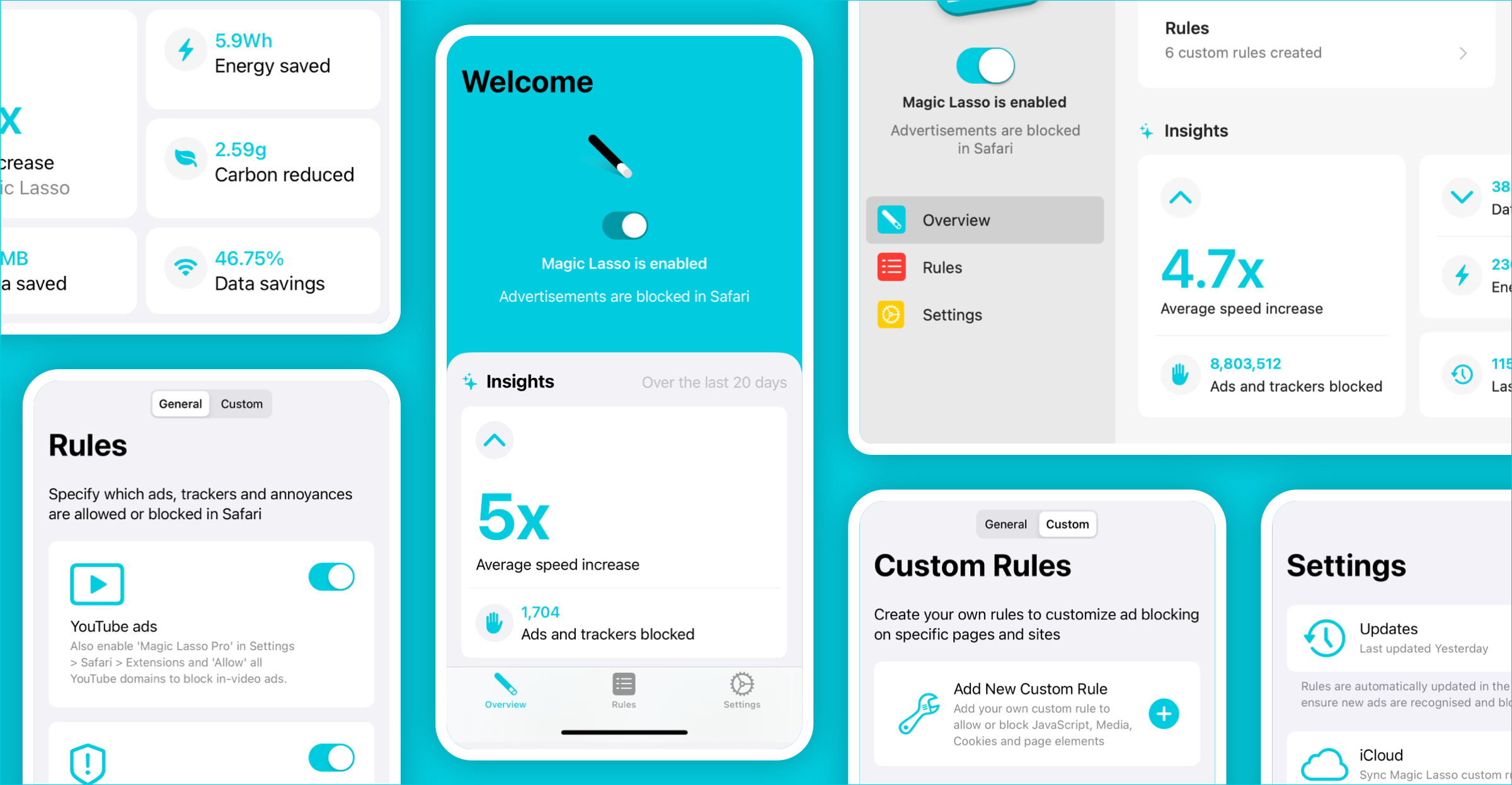
Magic Lasso Adblock has always been the best way to block ads on your iPhone, iPad and Mac.
Now, with the new v5.1 release, it goes even further — also blocking ads and trackers in apps on your Apple TV.

With the new Apple TV ad blocking release, you can:
- Block ads in your favourite streaming apps – Enjoy your shows the way they were meant to be seen — without constant interruptions. Automatically remove many video and banner ads across your favourite streaming video apps, keeping playback smooth and immersive while reducing clutter and distractions.
- Stop hidden in-app trackers – Many Apple TV apps secretly track your viewing history and activity, selling your data to third parties. Magic Lasso Adblock on the Apple TV shuts down these trackers before they load, giving you stronger privacy protection.
- Speed up your internet – Apple TV ad blocking runs as a local VPN proxy — performing all ad blocking on your device, locally and privately. It also routes traffic through a fast, private DNS, improving speed and reducing data leaks to your ISP.
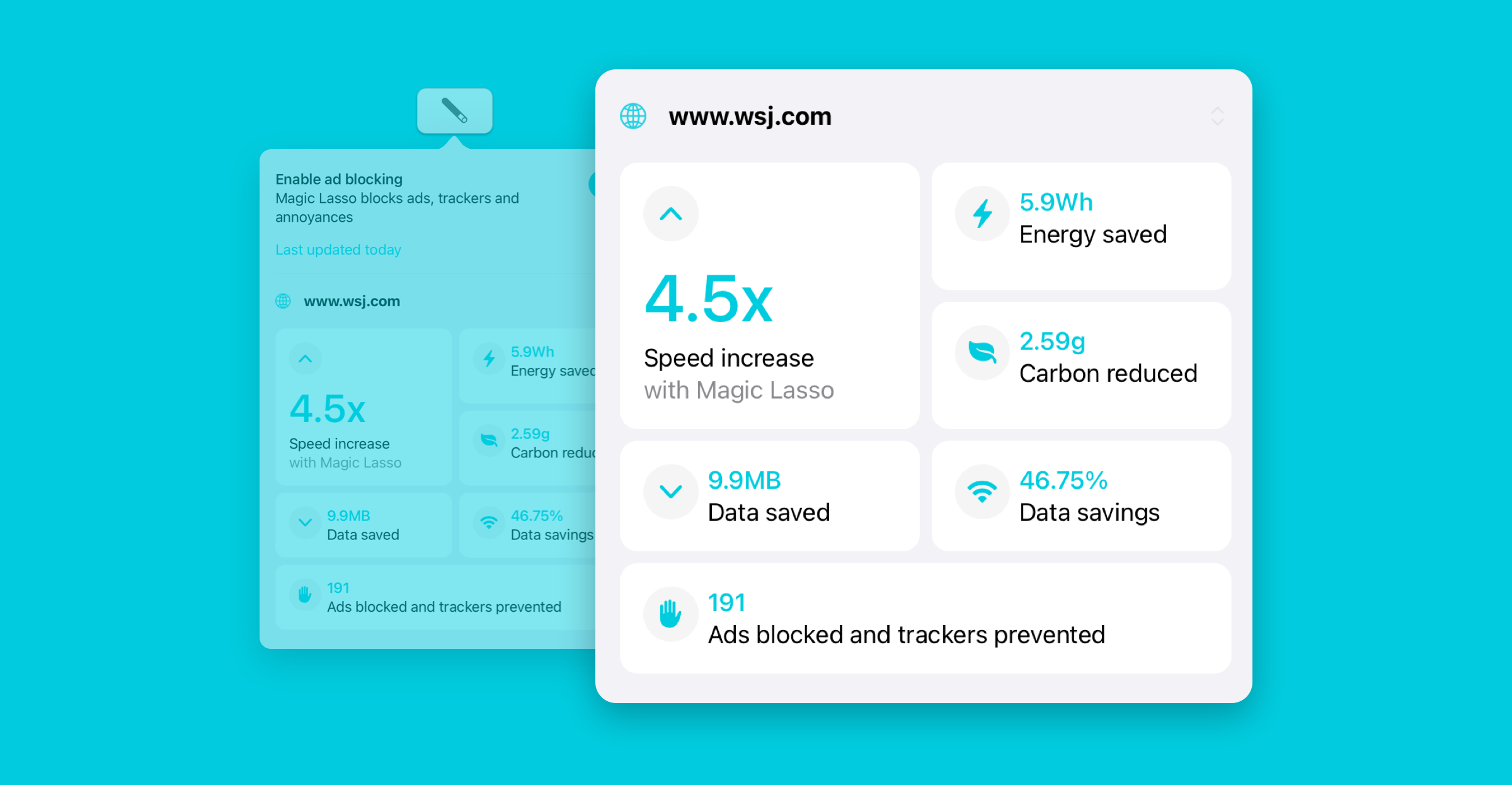
- See what has been blocked – Performance Insights shows a live graph of what ads and trackers are being blocked every hour, enabling you to see the difference ad blocking has to your daily TV viewing.
Best of all, Apple TV ad blocking is included at no extra cost.
It builds upon Magic Lasso’s powerful Safari, YouTube and App ad blocking features for iPhone, iPad and Mac — making it the most complete and private ad blocker for Apple devices.
Private, Secure, On-device Apple TV Ad Blocking
Based upon our industry leading App Ad Blocking technology, our Apple TV app focuses on three key goals:
- Prioritize user privacy
- Make setup quick and easy
- Ensure top-tier efficiency and performance
Privacy-first, always
Magic Lasso Adblock for tvOS processes everything directly on your local Apple TV. That means ads are blocked without any data ever leaving your device — offering stronger privacy than VPN or DNS-based ad blockers that rely on external servers.
We also follow a strict zero data collection policy. We don’t collect, track, or store your viewing history, app activity, or any personal data — period.
Simple to use
We designed our Apple TV app to be easy for everyone, not just tech-savvy users. It takes just two taps to turn it on, and once enabled, it automatically blocks ads and trackers across your Apple TV apps.

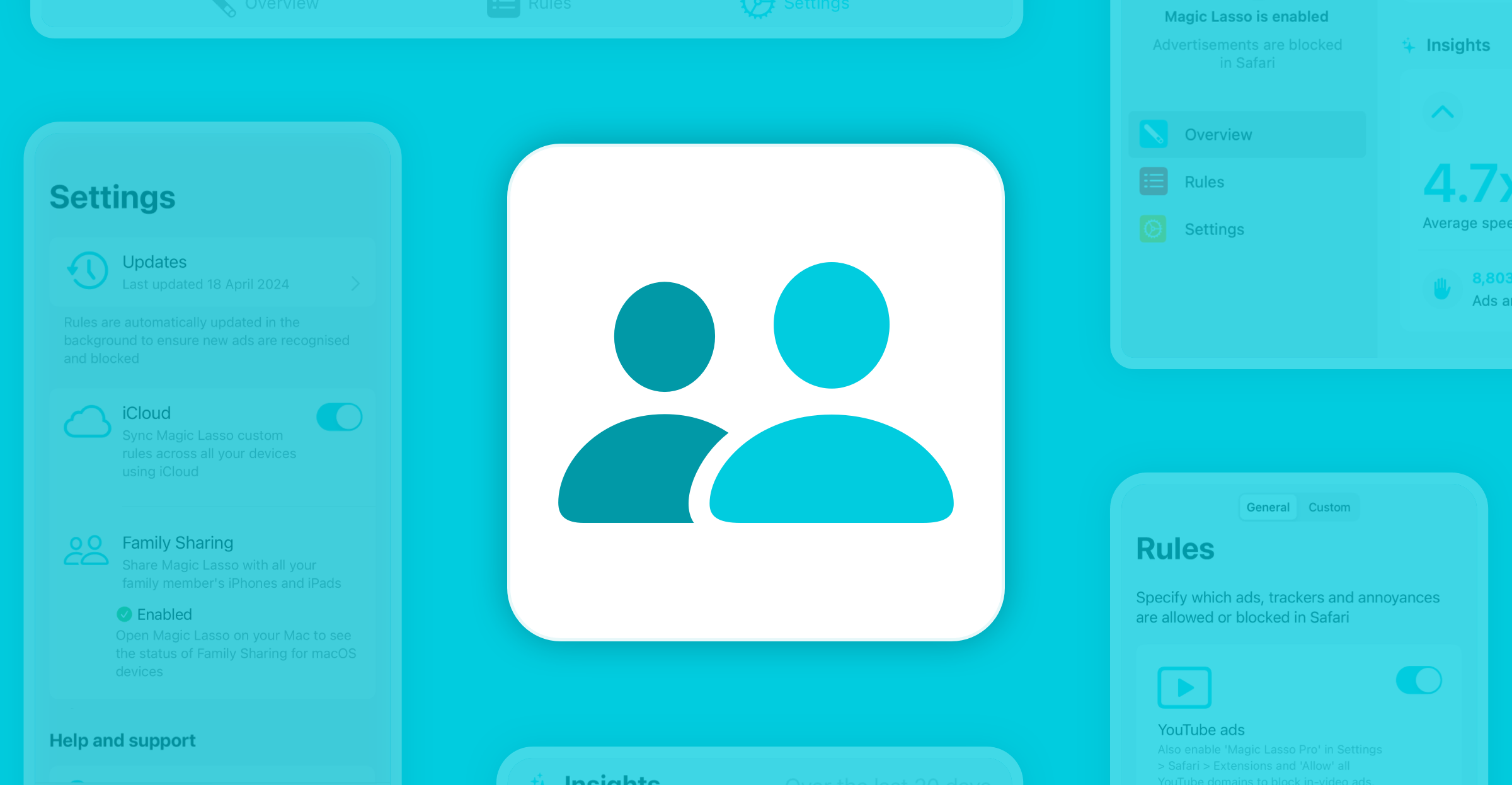
If you ever come across an app that has issues with ad blocking enabled, we also include the ability to create Custom Rules – meaning you can easily Allow or Block any recently accessed URLs that may need to be accessible for apps to function. These Custom Rules also sync automatically across the iOS and macOS versions of the app using iCloud.
Built for performance
Our Apple TV ad blocking technology is developed in Swift as a native Apple network extension. That means it runs fast, uses less memory, and integrates securely with your device.
Unlike other network-based ad blockers built with slower or less efficient technologies, ours is optimized for performance on Apple platforms — delivering smooth, reliable protection without over-loading your system.
While not all Apple TV apps will have all their ads completely blocked with Magic Lasso installed, we’ll continue to improve our ad blocking coverage – and ad blocking rules – with each new app release.
How To Block Ads in Apple TV Apps
Magic Lasso Adblock is now available to download from the App Store on your Apple TV.
To block ads and trackers across apps on your Apple TV:
- Download the app from the App Store on your Apple TV by searching for “Magic Lasso Adblock” OR if you have already have installed Magic Lasso on your iPhone or iPad, then the app should automatically appear on your Apple TV’s home screen.
- Open the app and follow the on-screen setup instructions.
- If you’re not automatically prompted, go to Overview, select “Enable Magic Lasso…”, then tap “Allow” to give permission for network content filtering.
- This will set up a local VPN configuration to block ads and trackers across your Apple TV apps.
That’s it!
Ad and tracker blocking will now be active system-wide.
If you ever want to turn off ad blocking, just go back to the app’s Overview tab and tap “Magic Lasso is enabled” to disable ad blocking.
And if you notice any issues or app breakages, let us know — we’ll update the blocking rules to fix it.
Start Blocking Ads on your Apple TV
With Magic Lasso Adblock v5.1, ad-free viewing finally comes to Apple TV.
Whether you’re streaming shows, playing games, or viewing the latest headlines, you can now enjoy a cleaner, faster and more private experience; just like on your iPhone, iPad, and Mac.
Download Magic Lasso Adblock for free from the App Store on your Apple TV, or learn more at www.magiclasso.co.
The app also includes a free 30-day trial, giving you the perfect chance to experience uninterrupted, privacy-protected streaming — all powered by the most complete and efficient ad blocker for Apple devices.