



Safari extensions can transform your browsing experience, but with thousands available, it can be difficult to know which are genuinely useful and which are best avoided.
This guide hand-picks seven of the very best Safari extensions for iPhone, iPad and Mac.
From privacy and productivity to shopping, search and content customization, each has been selected for its quality, native Apple experience, strong privacy credentials and ongoing developer support.
Read on to discover the best Safari extensions and add-ons to help you get even more from Safari in 2026.
On this page
- Best Safari Ad Blocker and Privacy Extension
- Best Shopping and Deals Extension
- Best Reading and Social Media Add-on
- Best Safari Productivity and Organization Extension
- Best Safari Content Customization Extension
- Best Safari Search Add-On
- Best Browser Password Manager
What Makes a Great Safari Extension?
Not all Safari extensions are created equal. Before installing one, it’s worth considering a few key factors beyond its features:
- Privacy – Does it respect your privacy and avoid collecting unnecessary browsing data?
- Compatibility – Does it integrate seamlessly with Safari and work across iPhone, iPad and Mac?
- Ethics – Is it transparent about how it works, without hijacking links or monetising your browsing?
- Support – Is it actively maintained, regularly updated and backed by a developer committed to keeping pace with the evolving web?
Every extension in our curated list meets these standards, delivering an experience that feels right at home on Apple’s platforms.
Let’s explore the best Safari extensions and add-ons available in 2026.
1. Best Safari Ad Blocker and Privacy Extension
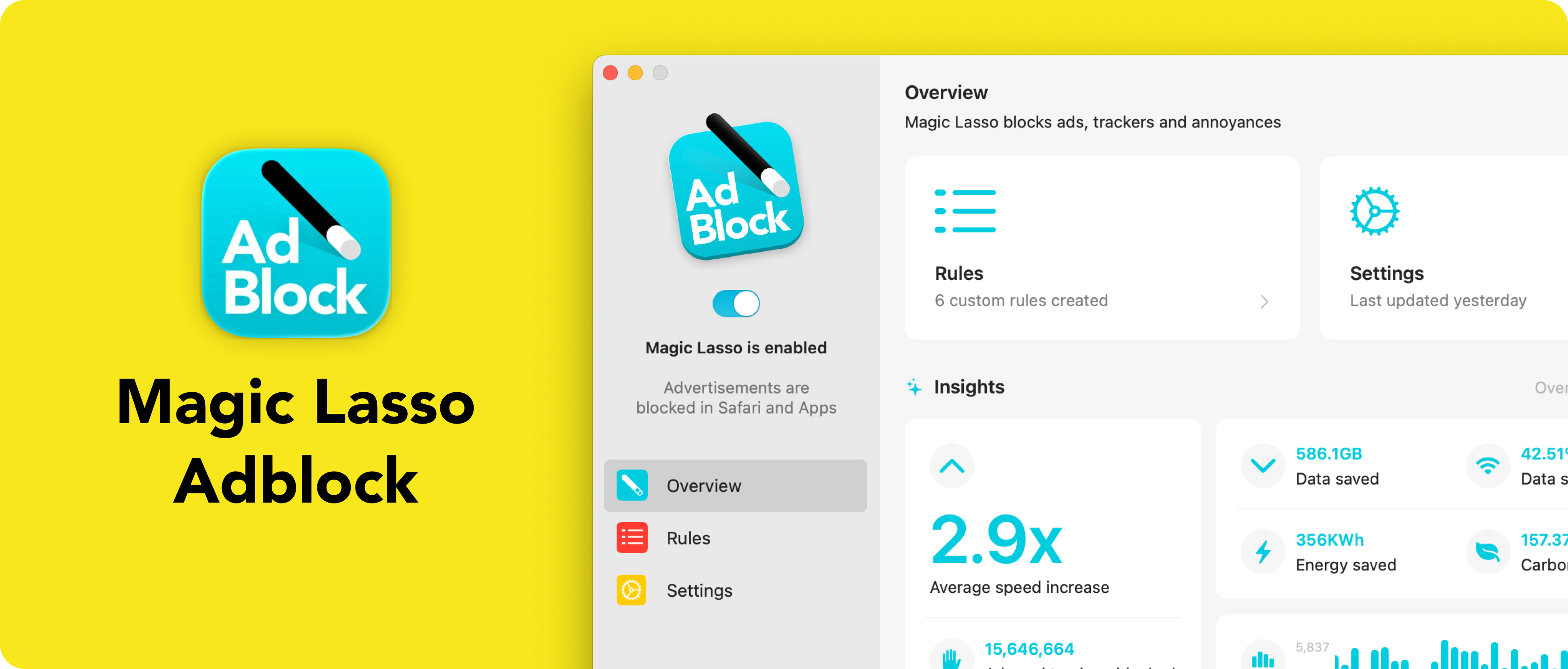
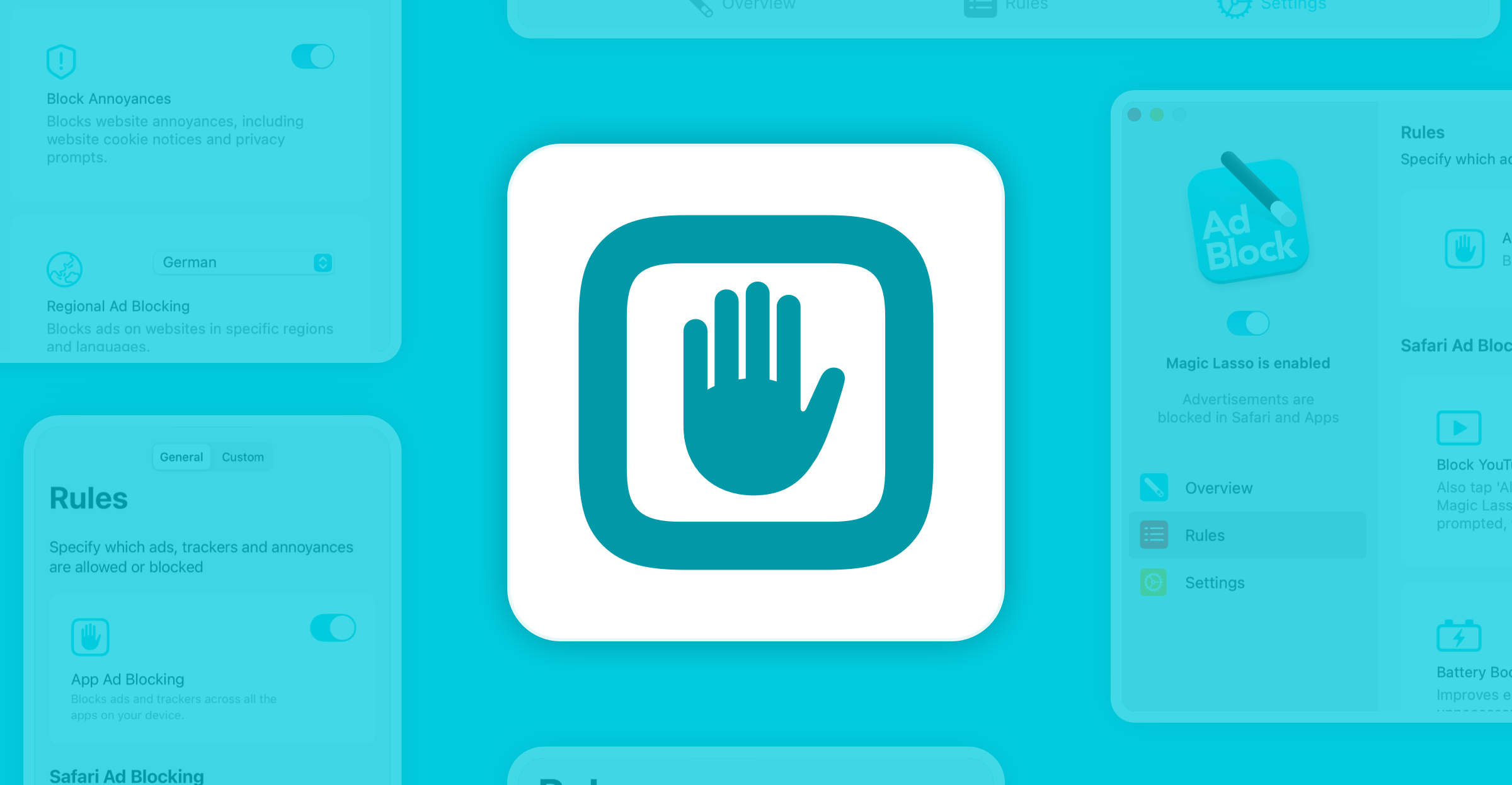
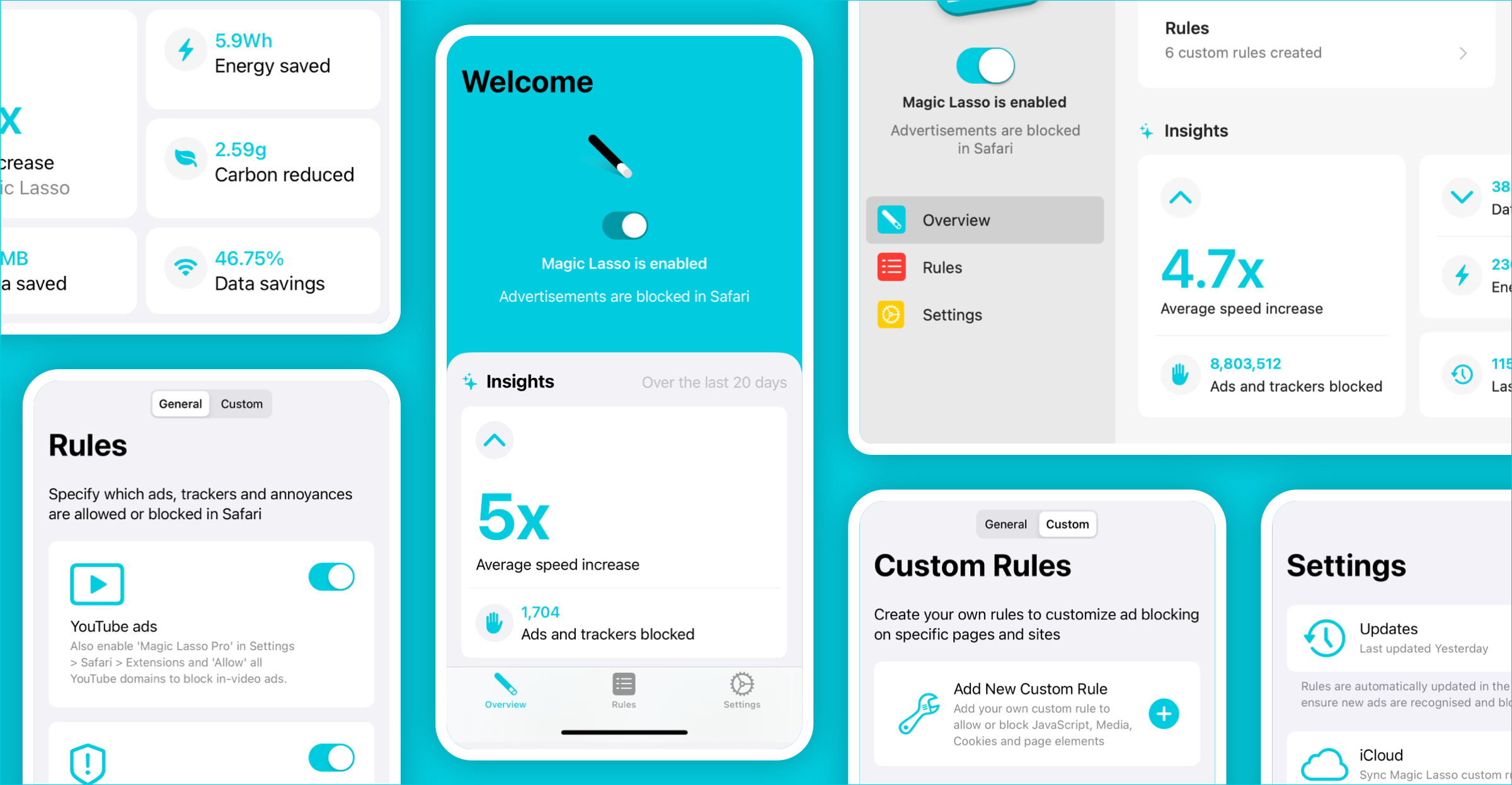
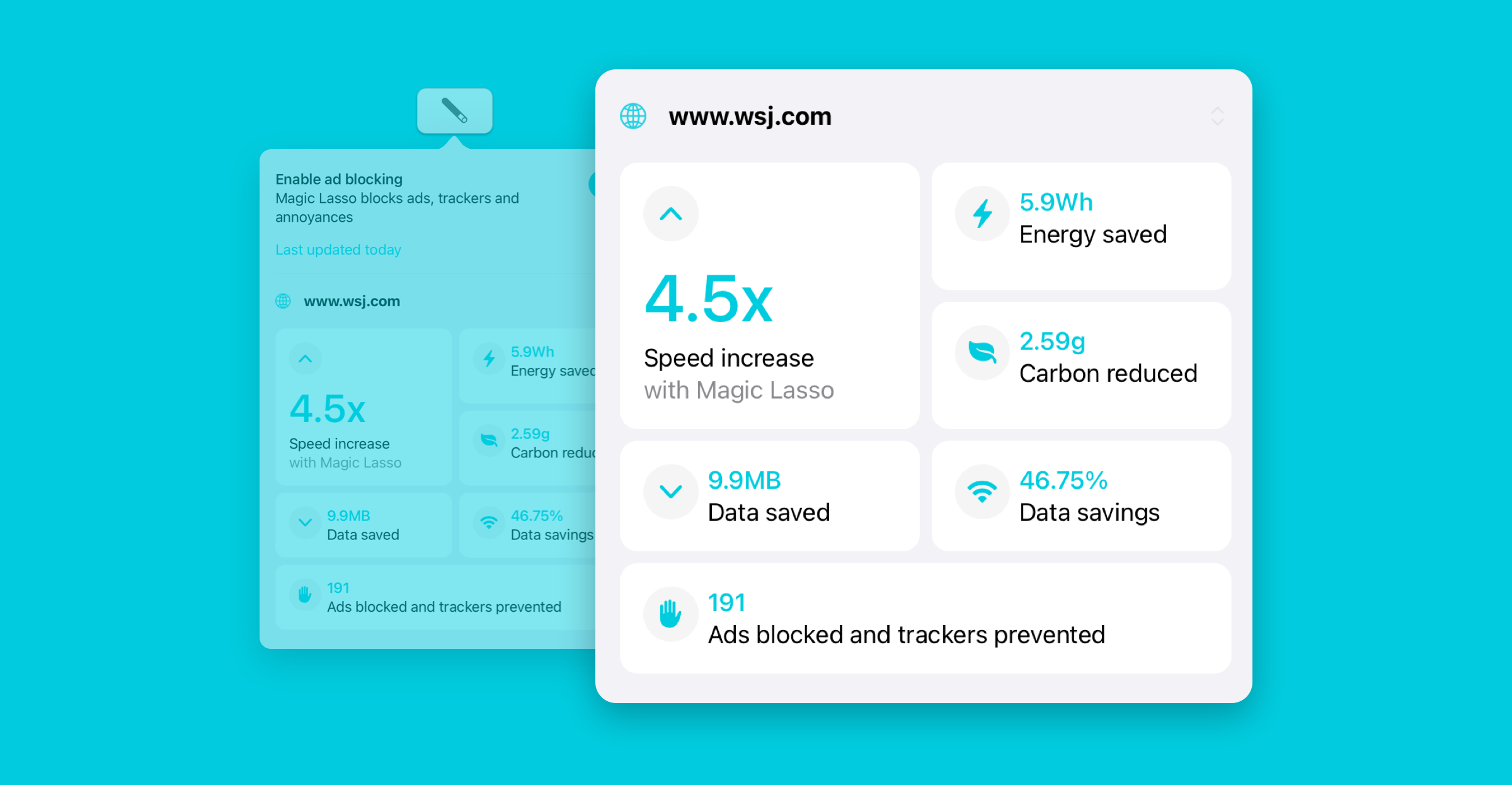
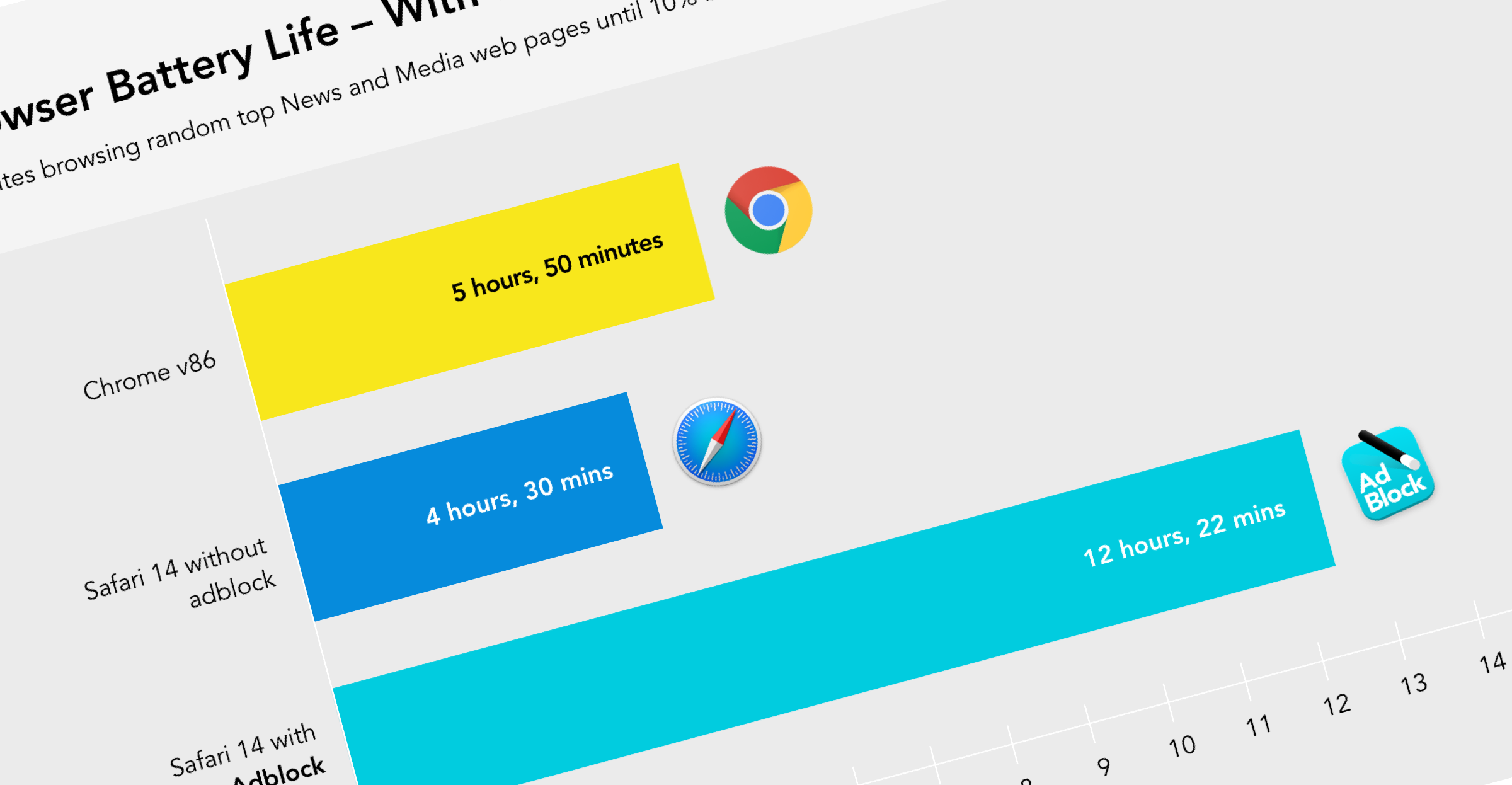
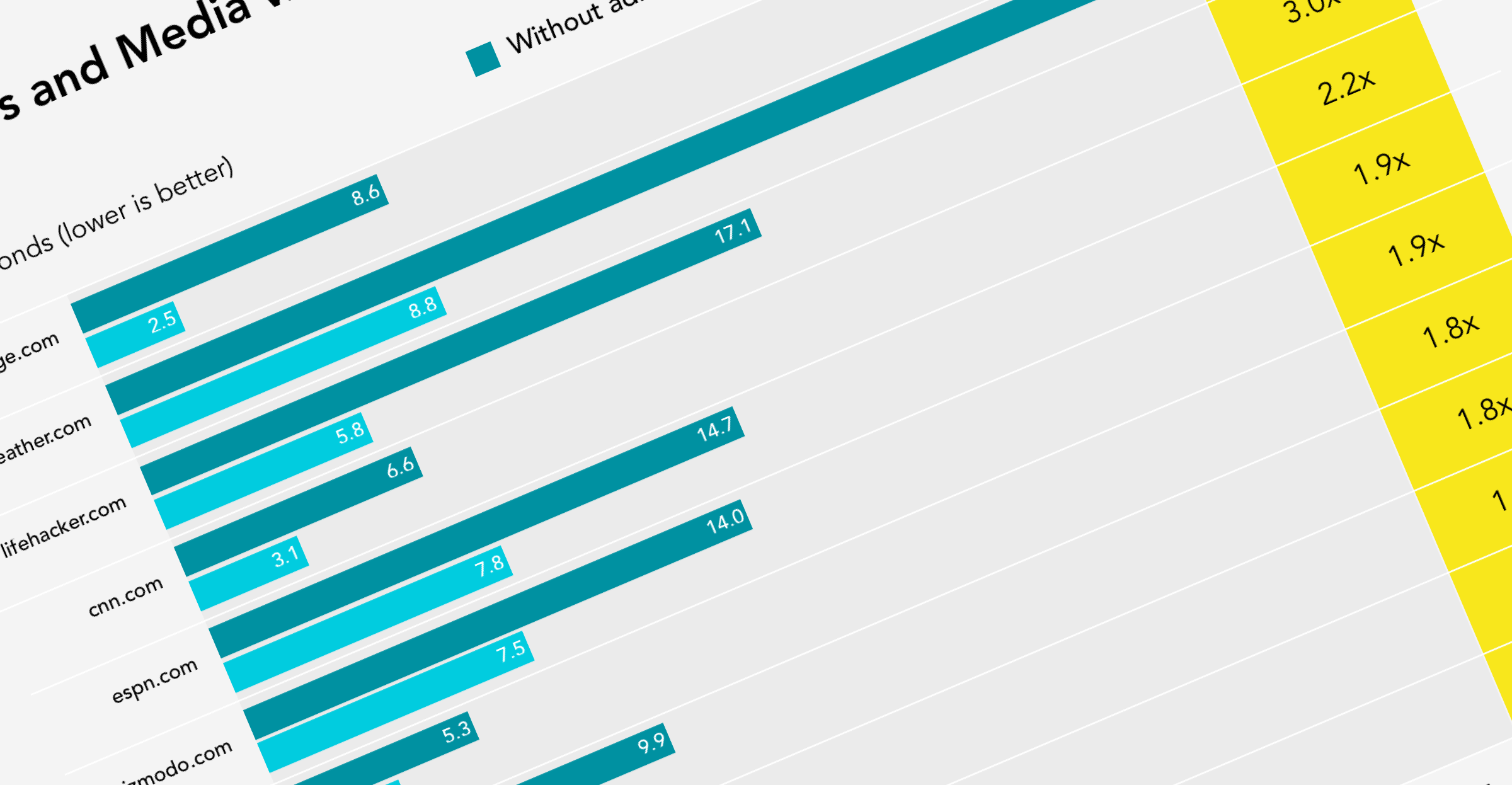
Magic Lasso Adblock is the best Safari ad blocker available, it effortlessly blocks ads, trackers and annoyances on your iPhone, iPad and Mac
Magic Lasso is a fast, lightweight, and privacy-first ad blocker built exclusively for Safari.
Designed for iPhone, iPad and Mac, it blocks all YouTube ads, pop ups, banner ads and trackers – without slowing you down.
What sets it apart is its strong focus on performance and simplicity. With a beautiful native design, Magic Lasso feels like it was made by Apple themselves.
It also offers powerful premium features: such as automatic rule updates, enhanced blocking in apps other than Safari (including on the Apple TV); while maintaining a strict zero data collection policy.
While there are many ad blockers available, we love Magic Lasso due to its combination of simplicity, power and native Safari integration. In 2026, there is no better ad blocker option available.
Magic Lasso Adblock can be downloaded from the Magic Lasso website or via the App Store for iPhone, iPad and Mac.
2. Best Shopping and Deals Extension
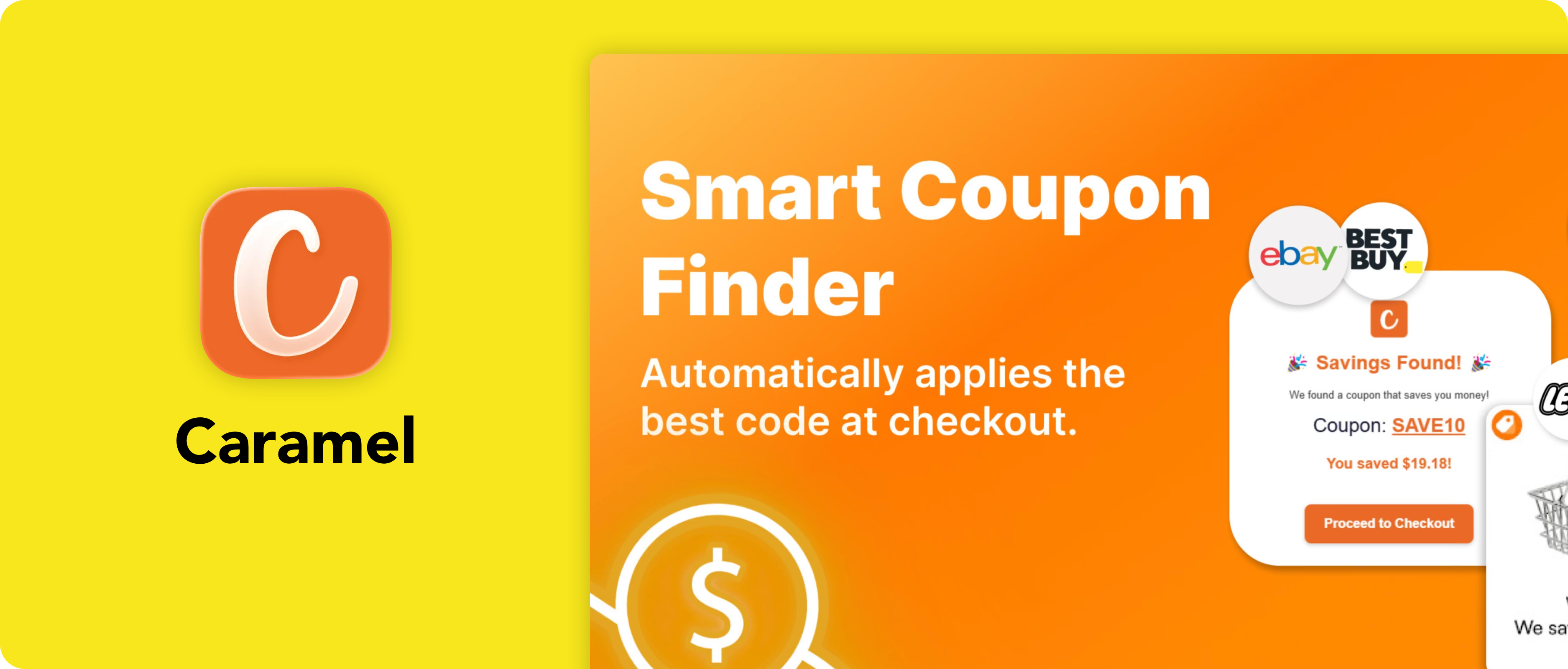
Caramel comes out on top as our best Safari Shopping add-on: an open source and privacy respecting alternative to Honey
Shopping browser extensions have become increasingly controversial, with many collecting browsing data or replacing affiliate links for their own benefit. Caramel takes a refreshingly different approach, helping you find discount codes and cashback opportunities while respecting your privacy and being transparent about how it works.
Built with Safari in mind, Caramel integrates neatly into your shopping experience without getting in the way. It automatically searches for working coupon codes during checkout and helps you save money across thousands of online stores, all while avoiding the questionable practices that have given some shopping extensions a bad reputation.
We particularly like Caramel for its ethical approach, native Apple platform support and privacy-first design. If you’re looking for a shopping extension that puts users before profits, Caramel is our top recommendation.
The Carmel Safari Extension can be downloaded from the App Store.
3. Best Reading and Social Media Add-on
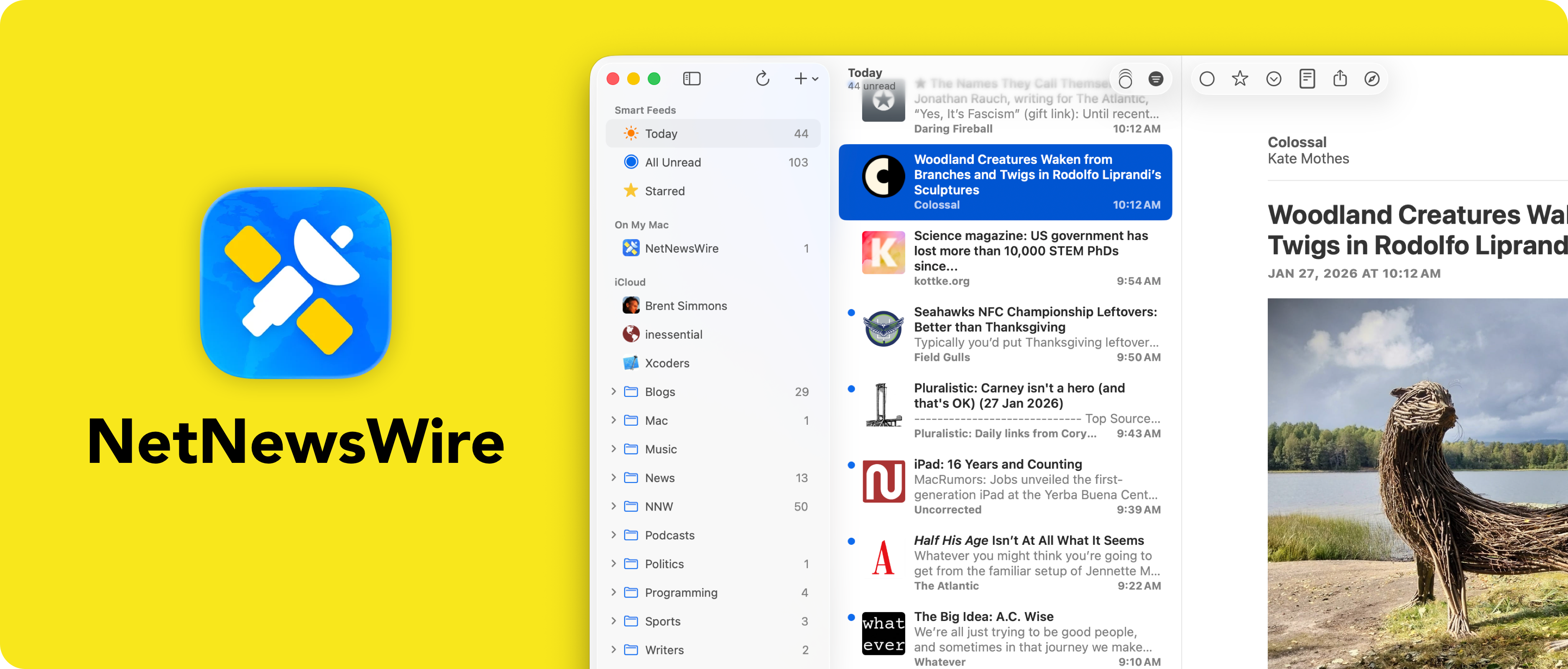
NetNewsWire is the classic RSS reader for iPhone, iPad and Mac that comes with a handy extension for easy feed-adding directly in Safari
RSS remains one of the best ways to follow your favourite websites without relying on social media algorithms, and NetNewsWire continues to be the gold standard for Apple users.
Its Safari extension makes subscribing to websites effortless by detecting RSS feeds and letting you add them with a single click.
The app itself is beautifully designed, lightweight and completely at home on iPhone, iPad and Mac. Combined with its Safari extension, it provides a distraction-free way to stay informed while avoiding many of the privacy concerns associated with modern social platforms.
NetNewsWire has been actively maintained for years and remains one of the finest examples of a native Apple app. For anyone who enjoys reading blogs, news sites or independent publications, it’s an essential Safari companion.
Read more and download the app from the NetNewsWire website.
4. Best Safari Productivity and Organization Extension
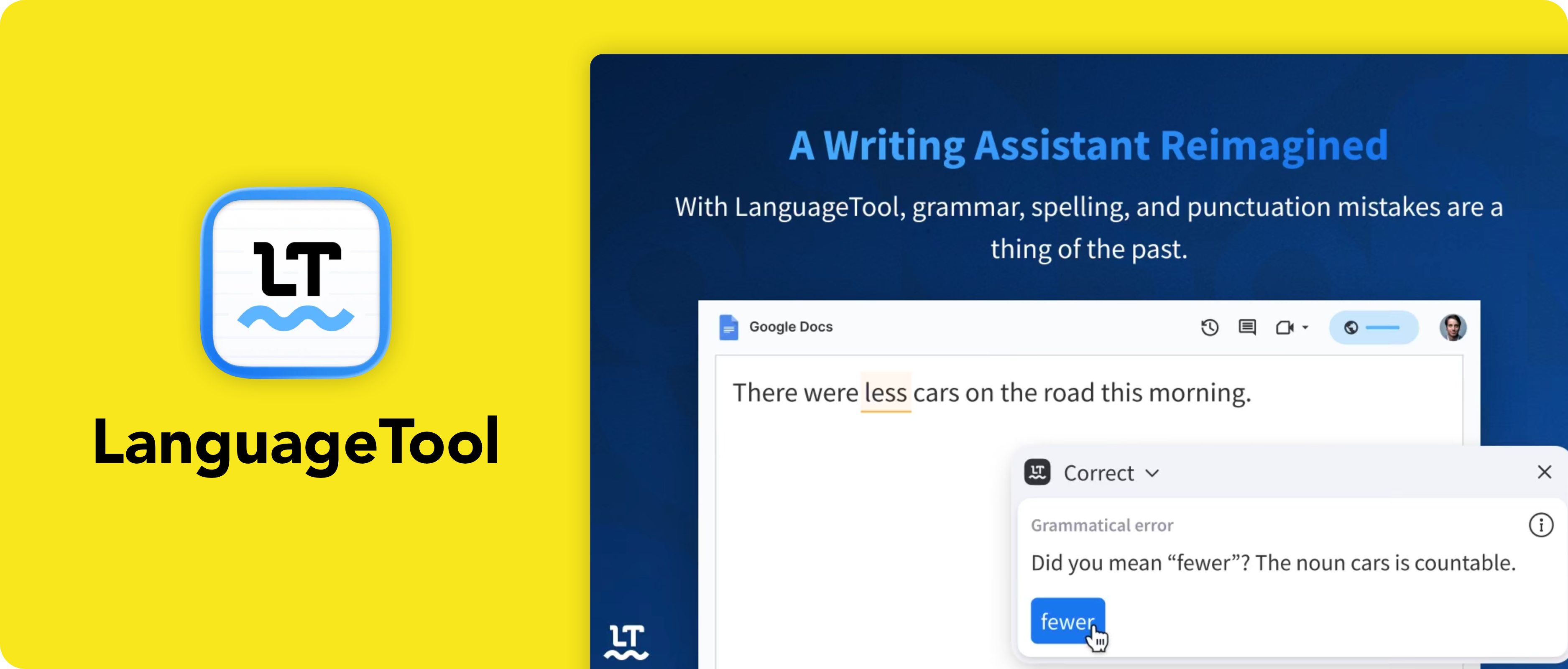
LanguageTool is our choice for a grammar, style and spell checker Safari extension: a more privacy-focused alternative to Grammarly
Whether you’re writing emails, documents or social media posts, LanguageTool helps catch spelling mistakes, grammar errors and awkward phrasing directly within Safari.
It offers many of the same features as Grammarly while placing a stronger emphasis on privacy and giving users greater control over their data.
The extension integrates seamlessly with Safari, providing suggestions as you type across websites without feeling intrusive. It supports multiple languages and writing styles, making it equally useful for professional work, study and everyday browsing.
We like LanguageTool because it combines excellent writing assistance with a transparent privacy policy and regular improvements. For Safari users looking to improve their writing without sacrificing privacy, it’s our preferred choice.
The LanguageTool Safari extension can be downloaded from the Apple App Store.
5. Best Safari Content Customization Extension
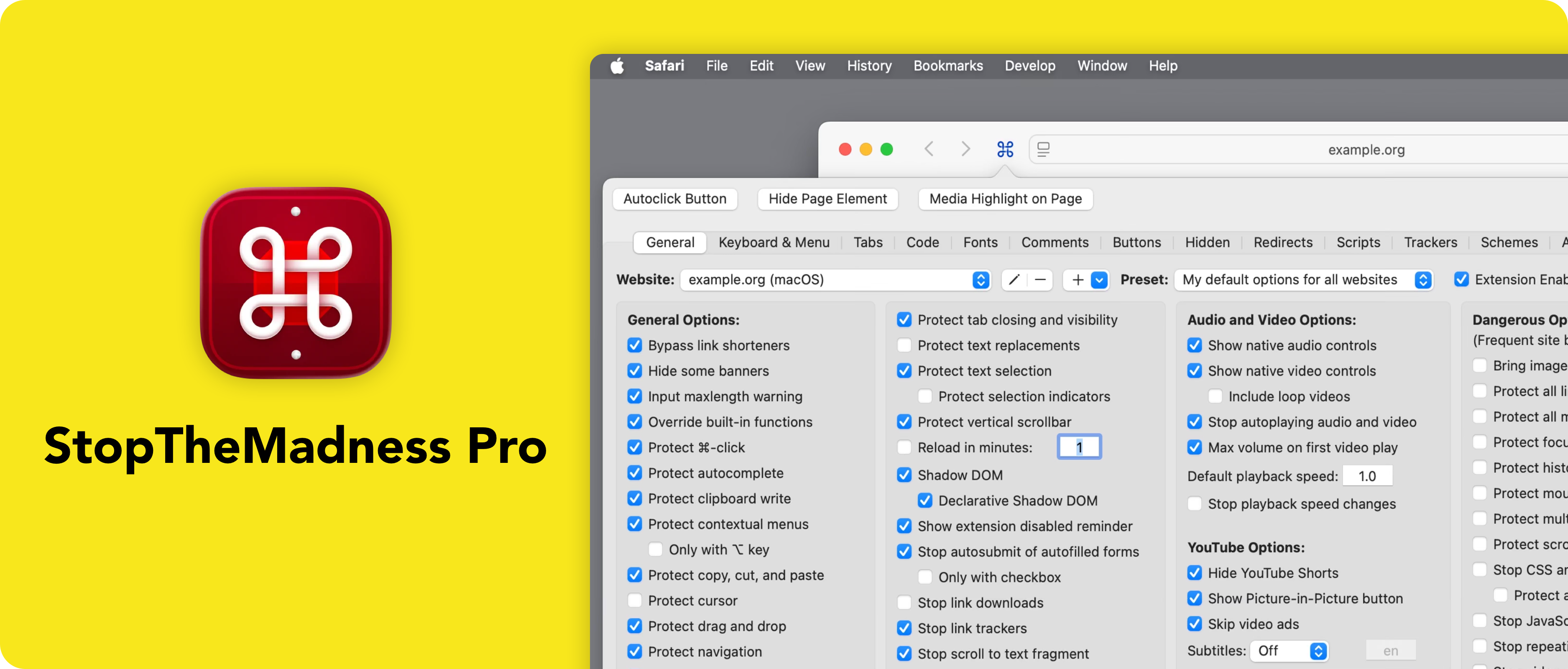
StopTheMadness Pro is our choice for the best extension to customize your Safari browsing experience (in a thousand different ways!)
Some websites insist on disabling useful browser features, preventing text selection, blocking copy and paste or changing how your browser behaves. StopTheMadness Pro restores control by giving you dozens of options to undo these frustrating website behaviours and customise Safari exactly how you want it.
Despite the sheer number of features available, the extension integrates cleanly with Safari and allows you to enable only the options you need. From improving usability to restoring standard browser functionality, it’s packed with thoughtful tools that quickly become indispensable.
StopTheMadness Pro is one of those extensions that quietly improves your everyday browsing experience. It’s actively developed, highly respected within the Apple community and an excellent addition for power users wanting to get even more from Safari.
Get StopTheMadnessPro from the App Store.
6. Best Safari Search Add-On
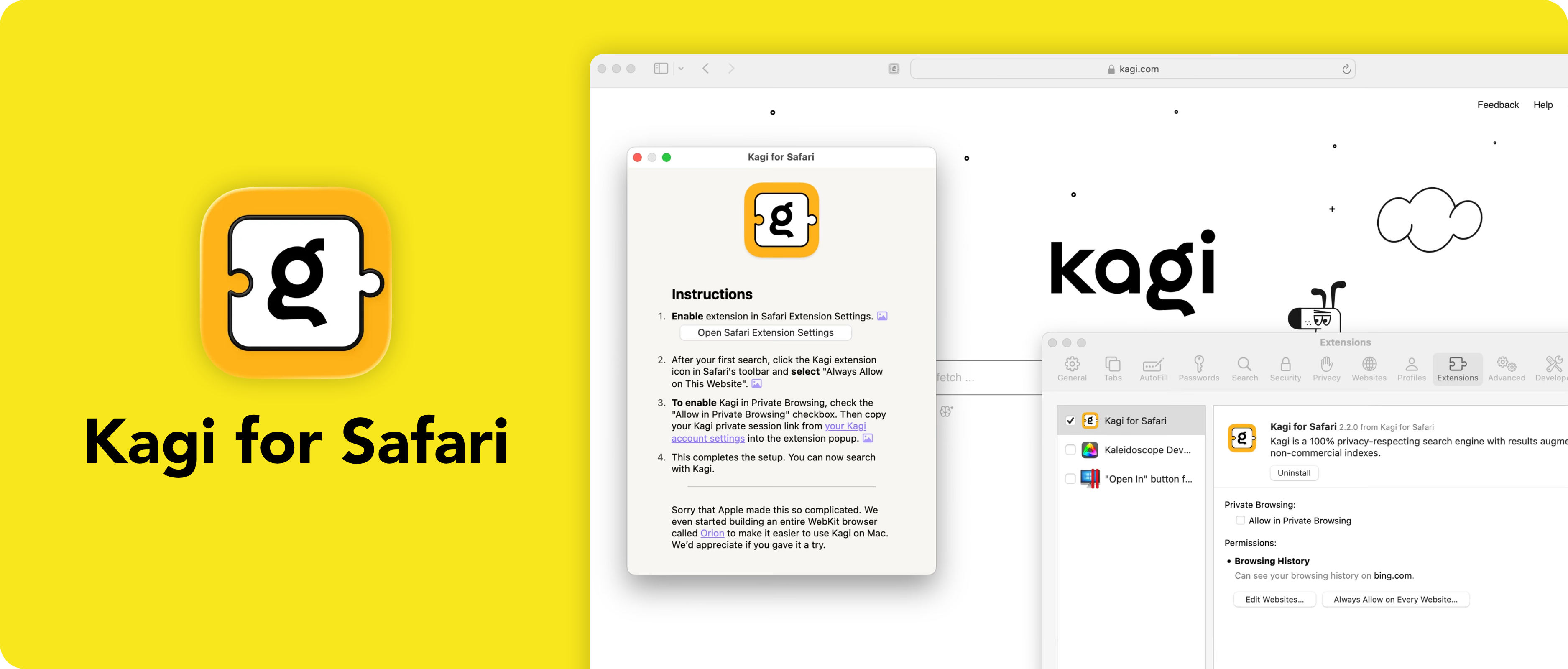
The Kagi for Safari browser extension is the best way to integrate a privacy focused search engine directly into Safari
Kagi offers a refreshing alternative to traditional search engines by providing high-quality search results without advertising or user tracking. Its Safari extension makes using Kagi seamless, allowing searches from the address bar while adding helpful search shortcuts and integration throughout the browser.
Unlike advertising-supported search engines, Kagi’s business model is based on subscriptions rather than profiling users. This creates a cleaner search experience with fewer distractions and results chosen for relevance rather than commercial value.
For users who value privacy, high-quality search results and a browsing experience free from targeted advertising, Kagi is our favourite search extension for Safari.
You can download the Kagi Safari extension from the App Store.
7. Best Browser Password Manager
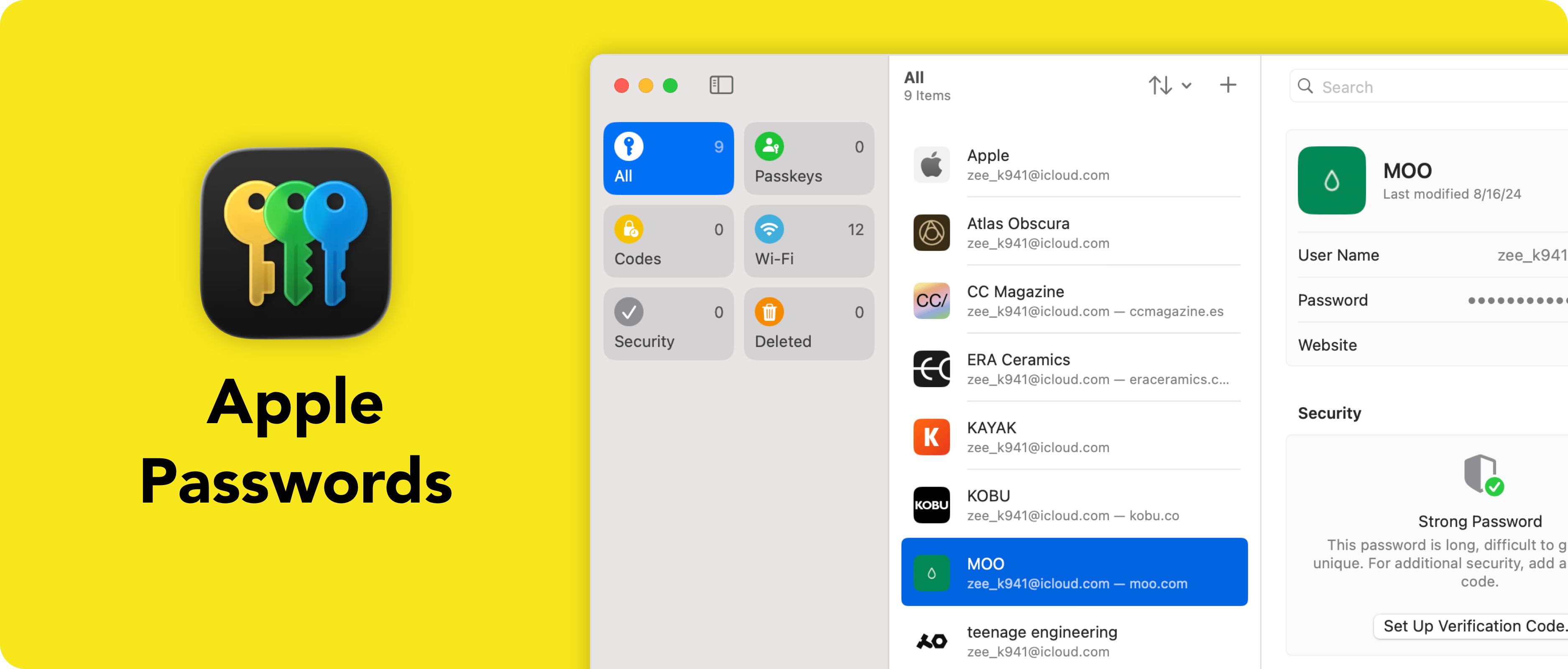
Easily manage your online passwords and Safari logins with Apple Passwords – no add-on required!
With the introduction of the dedicated Passwords app, Apple has turned iCloud Keychain into a fully featured password manager that’s built directly into iPhone, iPad and Mac. Because it’s integrated into Safari itself, there’s nothing extra to install, configure or maintain.
Apple Passwords securely stores passwords, passkeys, Wi-Fi credentials and verification codes while automatically syncing them across your Apple devices using end-to-end encryption. Autofill works seamlessly throughout Safari, making signing into websites fast, convenient and secure.
For users invested in the Apple ecosystem, Apple Passwords is the easiest and most trustworthy way to manage online accounts. Its native integration, strong privacy protections and ongoing platform support make it our preferred password manager for Safari users in 2026.
See Apple’s support document on how to use the Passwords app.
Supercharge Safari with Browser Extensions
The right Safari extensions can make browsing faster, safer and more enjoyable. By choosing well-designed, privacy-respecting add-ons that are actively maintained, you can enhance Safari without compromising your security or browsing experience.
Whether you’re blocking ads, finding the best deals, improving your writing, customising websites or boosting productivity, the extensions in this guide represent the very best Safari has to offer in 2026.
If you liked this guide, you might also like to read our guide on how to install, use and manage Safari extensions on your iPhone, iPad and Mac.